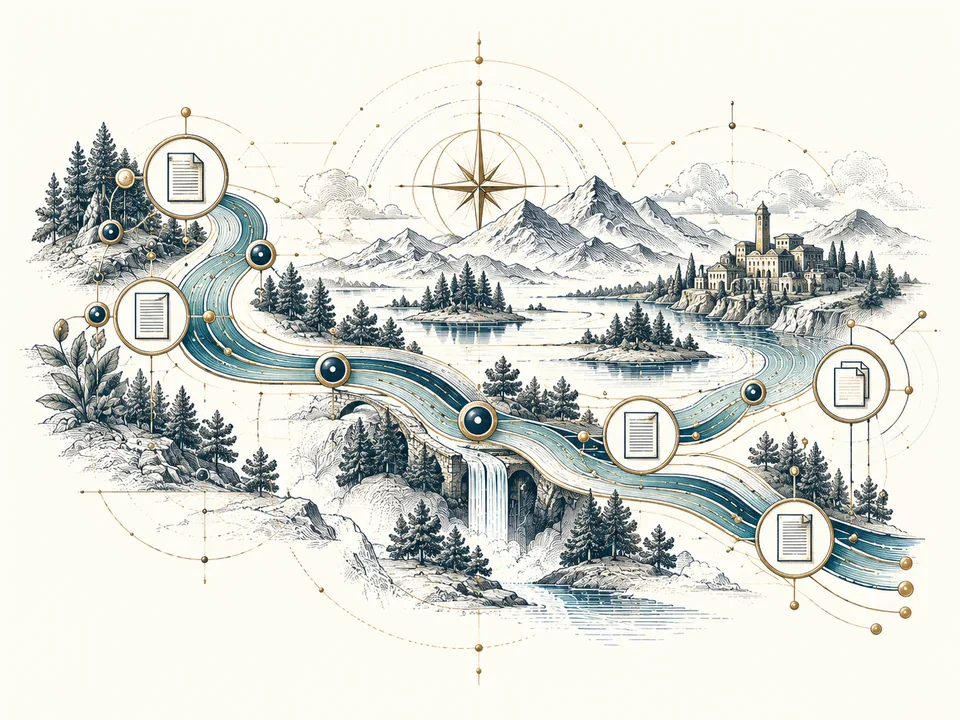
Readiness assessment
Explore six dimensions, preserve unknowns and download a prioritised planning report.
Run the assessmentUse the tools and templates without an email gate. When you need help implementing them, that is where the consulting work begins.

Explore six dimensions, preserve unknowns and download a prioritised planning report.
Run the assessmentStart a register, decision log, rule catalogue or vendor review without buying a platform.
Browse templatesModel the capacity consumed by repeat data correction using your own assumptions.
Use the estimatorCreate a first-draft charter for one data domain, with your own scope and decision roles.
Build a draft charterOfficial context, review dates and clear distinctions between guidance and assurance.
Review the sourcesStart with one business decision. Build the smallest working system around it. Expand only after the first cycle teaches you something.
Read the field noteThe point of a role model is not to invent more titles. It is to stop important questions disappearing between business and technical teams.
Read the field noteA tidy document collection can still be the wrong collection for an AI system to use.
Read the field noteA clear use-case worksheet makes a vendor review more useful than a generic yes/no security questionnaire.
Read the field note“Our data is 98% accurate” is not a useful management statement unless someone can explain what was tested.
Read the field noteTranslate an approved requirement into a trigger, an owner, a system action and evidence that the action happened.
Read the field noteNo matching field notes. Try a broader topic.
Ownership, lineage, quality and lifecycle—made concrete through twelve visual explanations, practical questions and connected service scopes.
Explore the visual fieldguideTell us what is not working. We will discuss a sensible starting scope.
Practical field notes for the decisions between the strategy and the finished process.
Start with an observable operational problem. Separate the cost of repeated work from the cash your organisation could actually save.
Read the field noteA glossary becomes useful when it resolves a real disagreement and connects the agreed meaning to the calculation, owner and permitted use.
Read the field noteRenamed fields, revised definitions and access changes need an understandable route from request to impact review, approval, testing and handoff.
Read the field noteBuild a review rhythm around exceptions, unresolved questions and evidence of how the process is working—not a growing collection of status slides.
Read the field noteChoose one decision, name the people involved and set an evidence boundary before anyone asks for your data.
Prepare your project briefName the report, workflow or use case that needs to work better.
Identify the owner, allowed evidence and important exclusions.
Agree what a colleague should be able to repeat or verify.